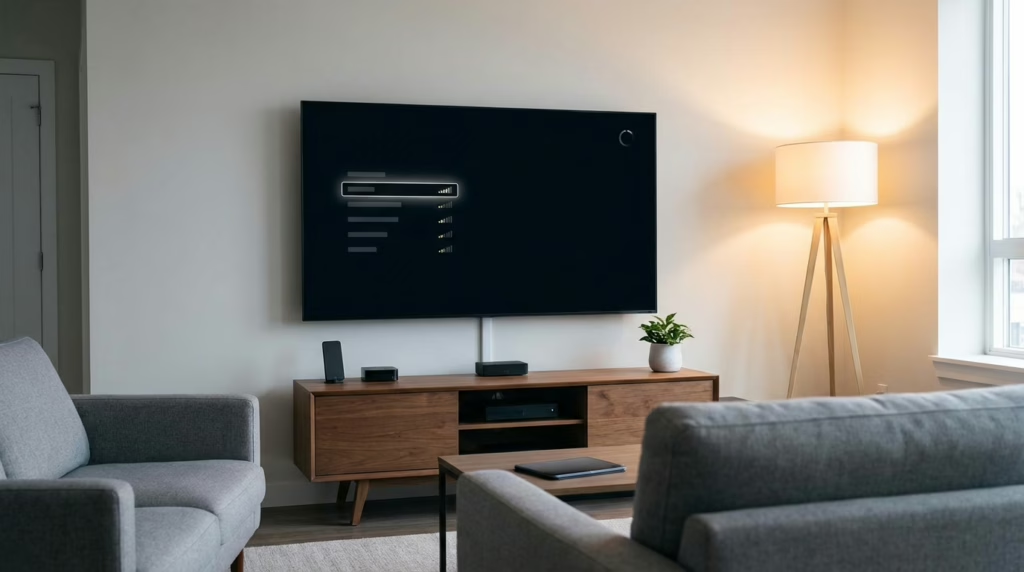
How to Change Plex Playback Quality on Apple TV to Stop Buffering
If Plex buffers on Apple TV, lower playback quality while the video is playing, then save a lower default in Plex settings so it stops happening every time.
Plex troubleshooting, quality tuning, device-specific settings, and the support layer for real users.
Start here: if you need the main hub, use the Plex Media Server Guide. If the picture looks bad, read Why Plex Looks Blurry on Good Hardware. If you are balancing home and remote use, read Best Plex Settings for Home vs Remote Streaming.
Apple TV fix: if that specific device is the problem, start with How to Change Plex Playback Quality on Apple TV to Stop Buffering.
If Plex buffers on Apple TV, lower playback quality while the video is playing, then save a lower default in Plex settings so it stops happening every time.
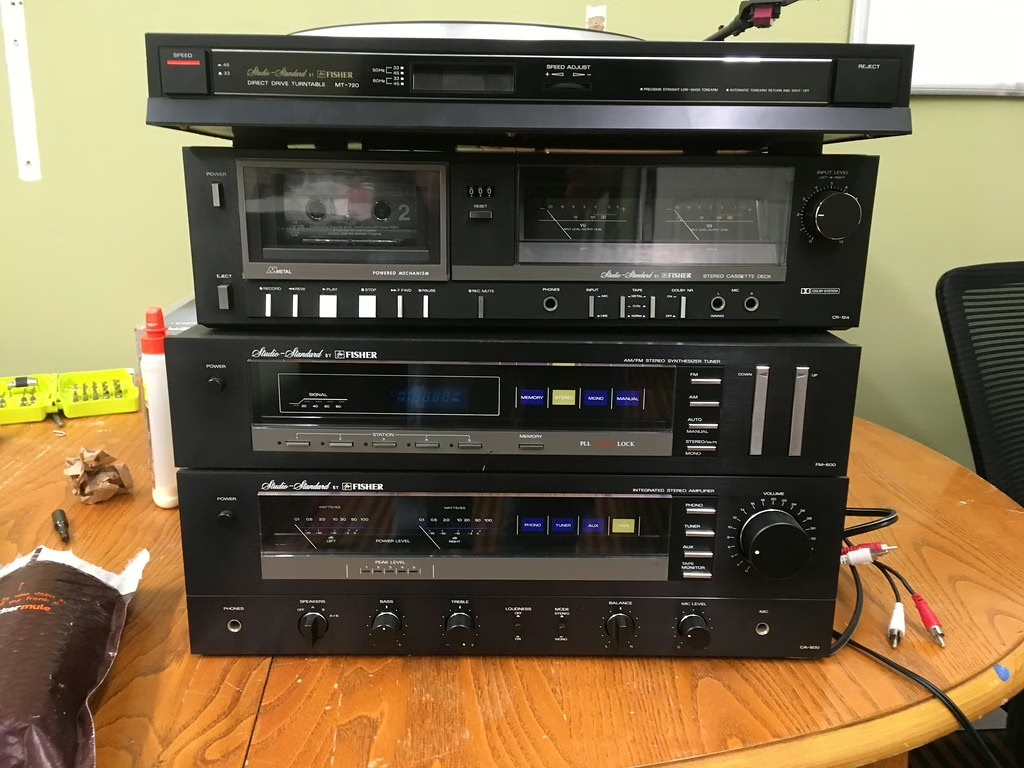
A real media stack does not start with Plex. It starts with requests, automation, cleanup, and the boring system layers that turn a pile of tools into something people can actually use.
The best Plex settings depend on local vs remote use, bitrate, subtitles, and client behavior—not one fake universal preset.
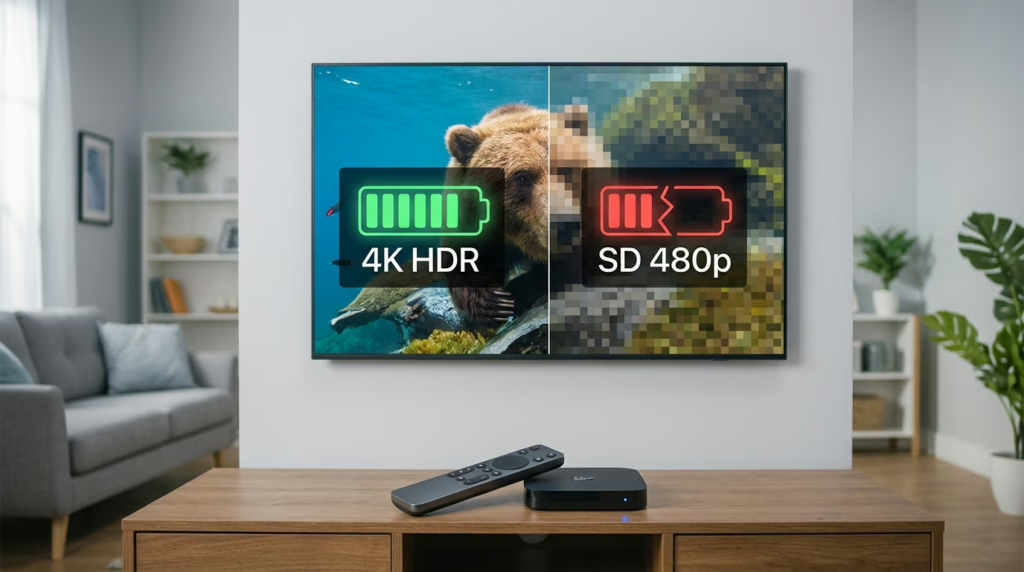
If Plex looks blurry on good hardware, use this source-backed checklist to check quality settings, Direct Play, transcoding, subtitles, Relay, remote limits, Wi-Fi, and client compatibility before blaming the TV or server.
Build a beginner homelab with Proxmox, Unraid, Plex, Tailscale, and self-hosted tools without turning the first setup into a science project.